Modern WordPress attribution tracking
Attribution Tracker
Records where every visitor came from and attaches it to the form they submit, so a lead in your inbox arrives with its campaign on it.
Free on WordPress.org. Pro adds what is listed below, billed once a year at $29 for one site.
The problem
A form submission tells you somebody is interested. It does not tell you which advert, email or search brought them, and by the time they convert the referrer is long gone. Most teams answer this by pasting hidden fields into every form by hand and hoping nobody edits them.
How this handles it
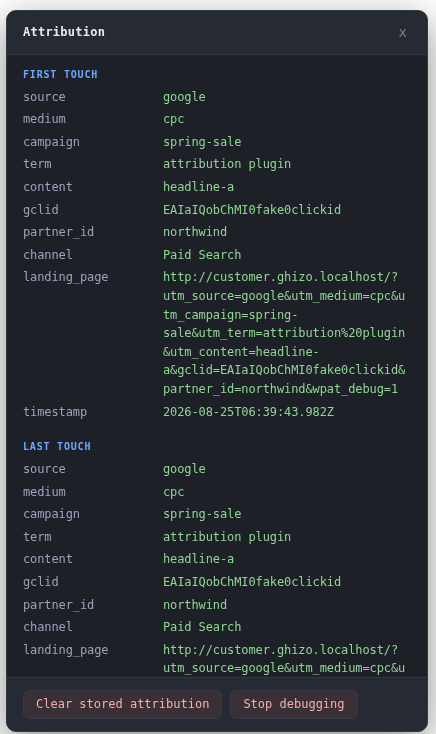
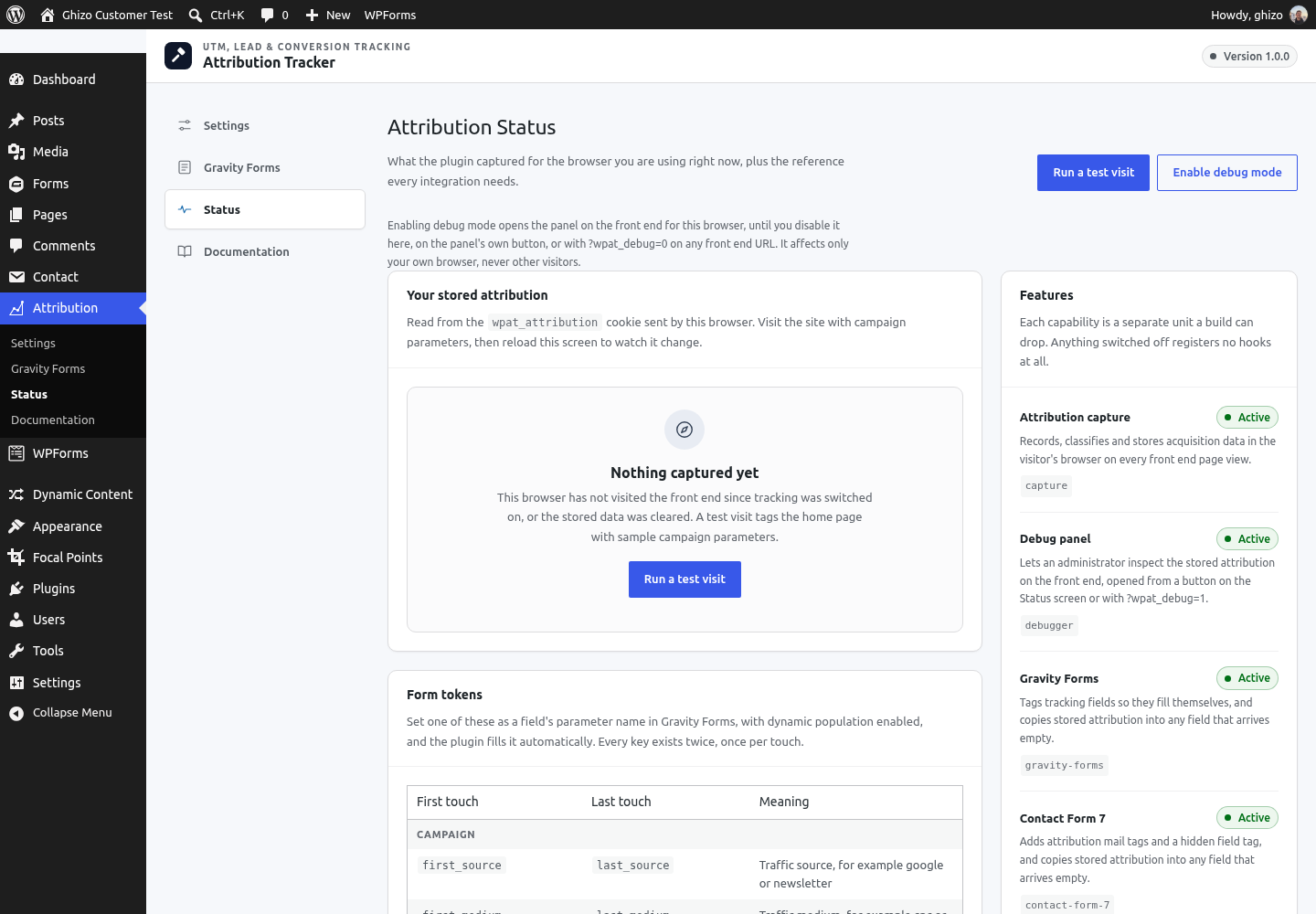
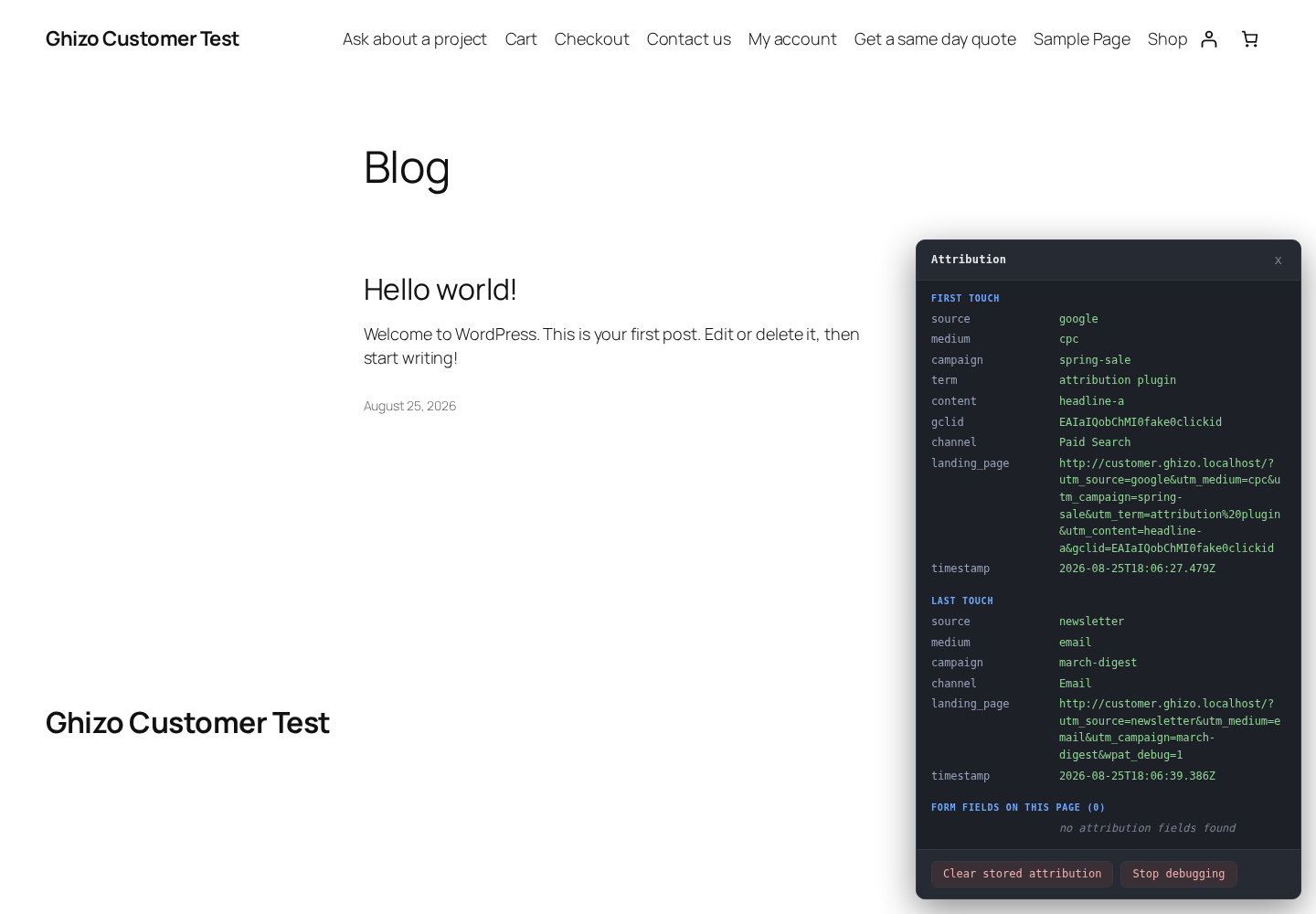
Capture happens once, in the visitor's own browser, and is kept in a first party cookie until they convert. First touch and last touch are stored separately, because the campaign that found somebody is rarely the one they bought through. Nothing about a visitor is ever printed into the page, so a full page cache or an edge CDN can serve the same HTML to everybody and the attribution still works.
Every screen, as it actually looks
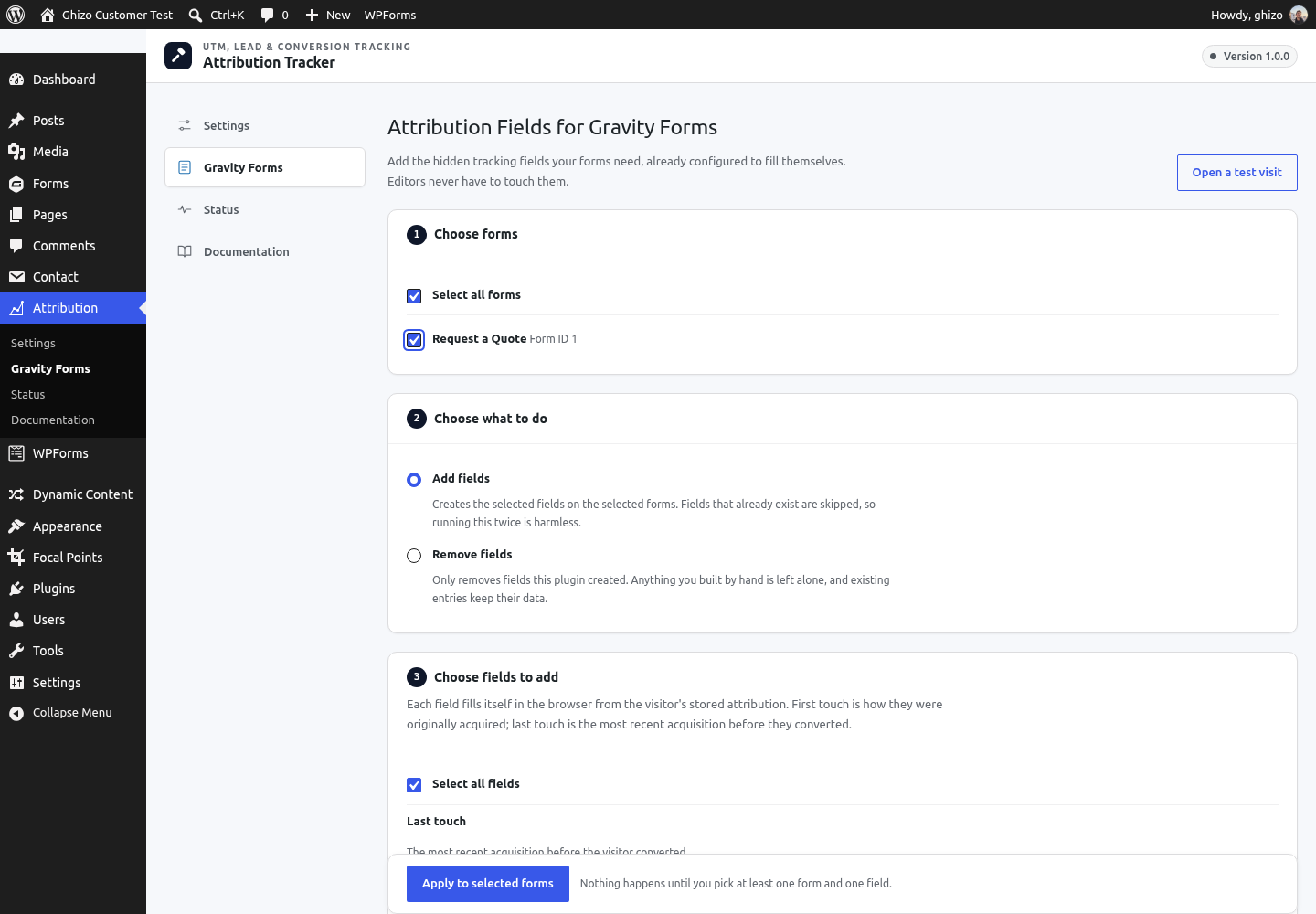
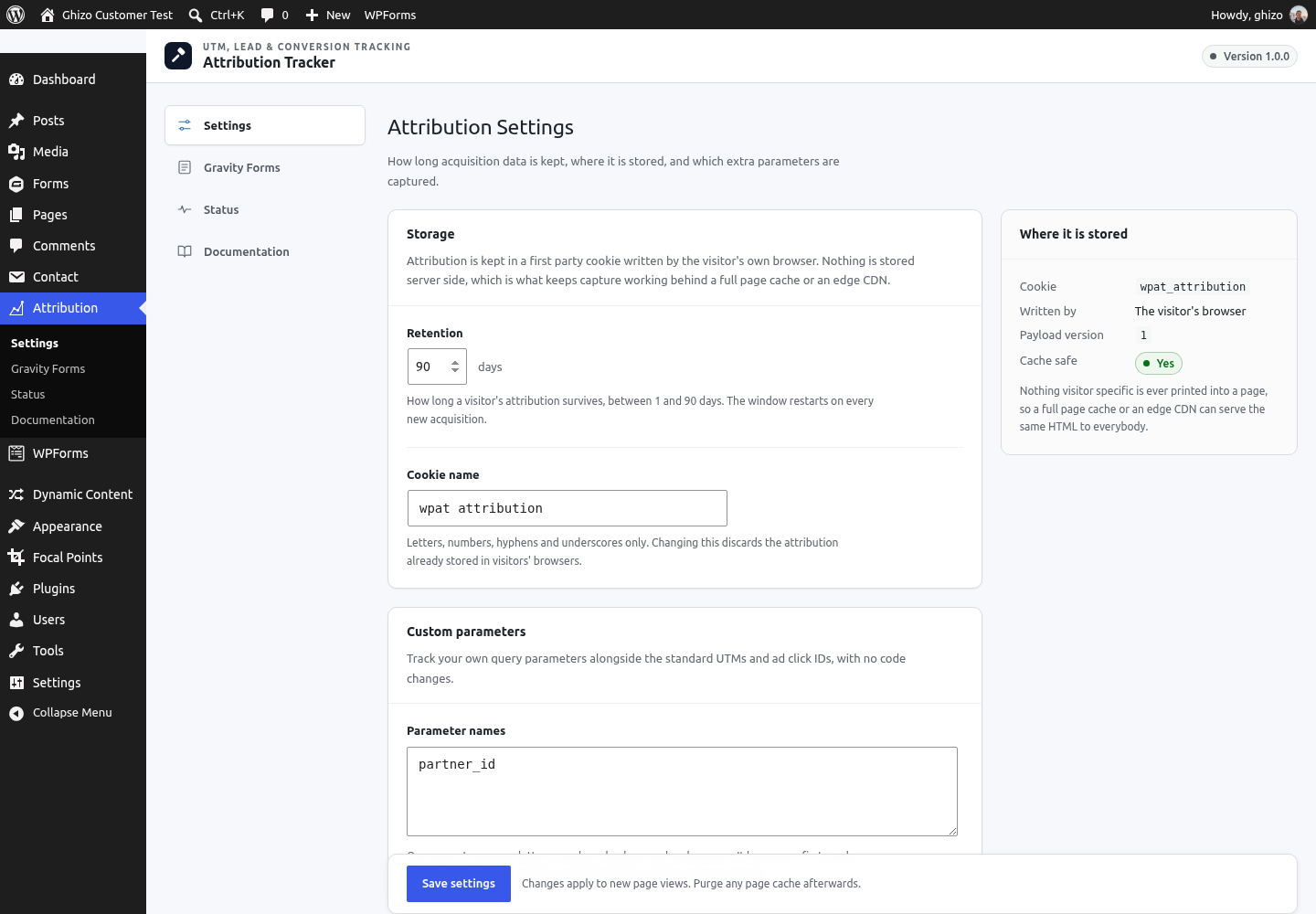
Screenshots from a running install, not mockups. These are the same images on the WordPress.org listing.
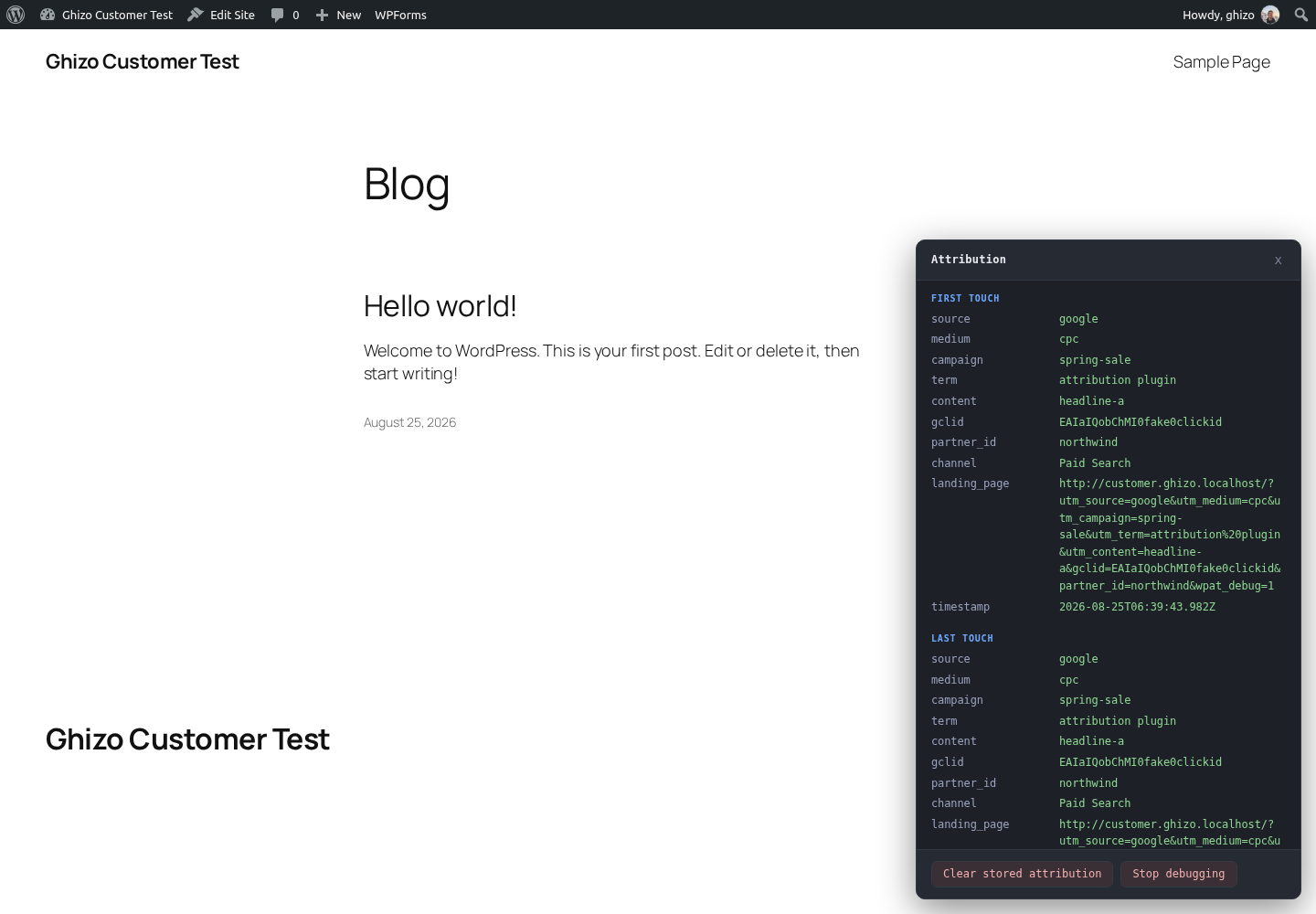
What actually arrives
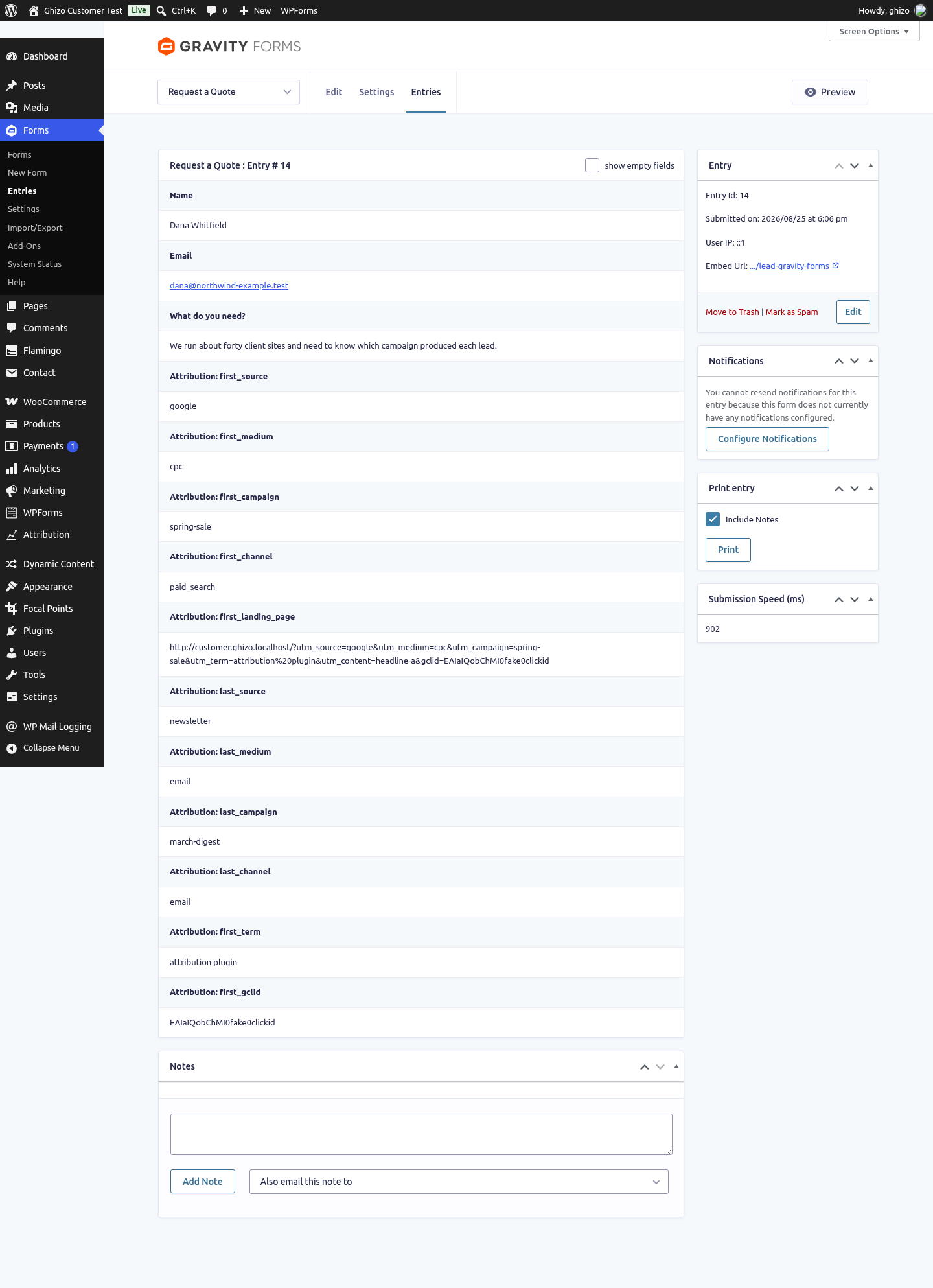
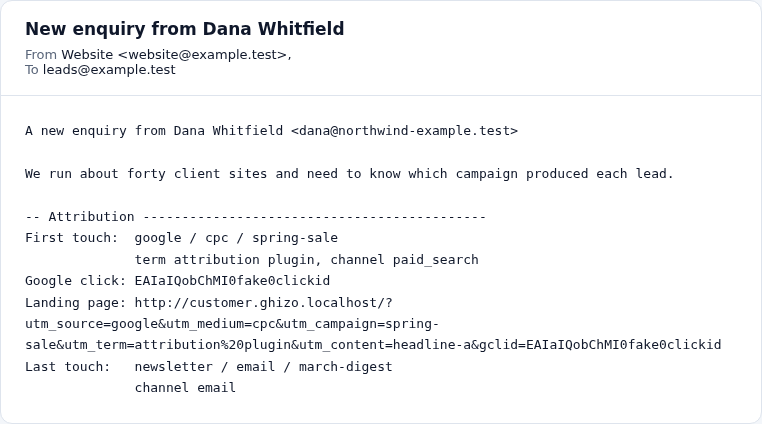
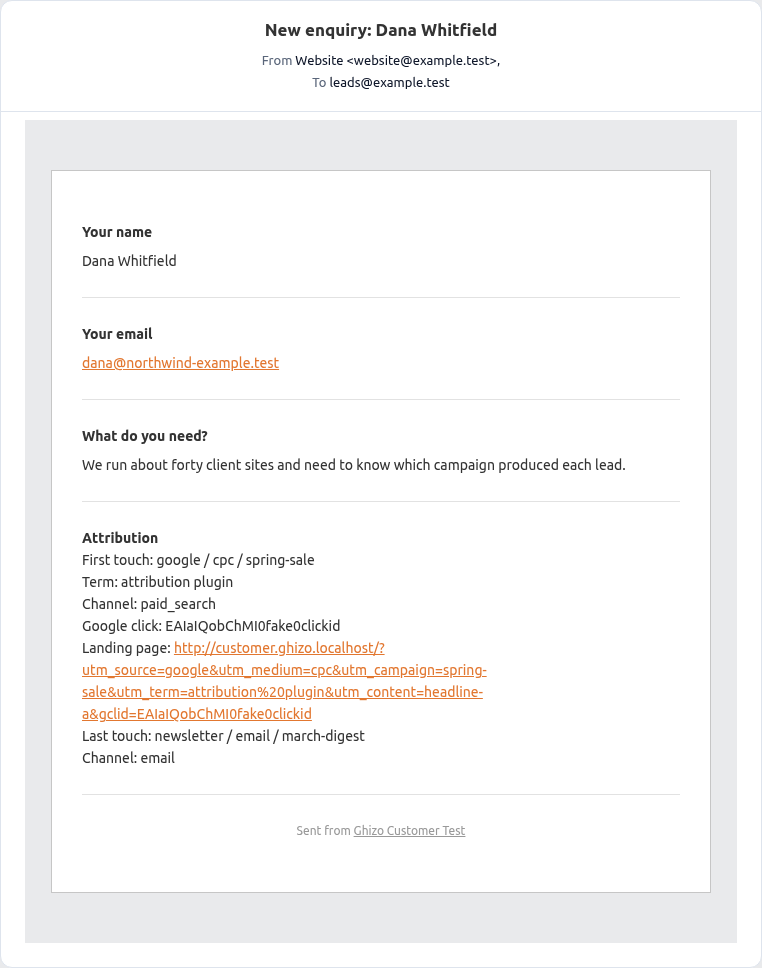
One lead, submitted for real through each supported form plugin by somebody who arrived on a Google advert and came back three weeks later through an email. These are the results, unedited. Note that the first touch and the last touch are different, which is the whole point.
Free against Pro
Free, on WordPress.org
- First and last touch stored separately
- UTMs, ad click IDs, referrer, landing page and channel
- Gravity Forms, Contact Form 7 and WPForms
- 90 day retention and one custom parameter
- A debug panel that shows what was captured and why
Pro, $2.42 a month
Billed once a year at $29 for one production site. There is no monthly plan; the figure above is the year divided by twelve.
- Revenue and orders by source, medium, campaign or channel
- First touch against last touch, side by side
- Form conversions reported alongside revenue
- WooCommerce attribution written onto every order
- CSV export of exactly the report on screen
- 730 day retention and unlimited custom parameters
What it costs elsewhere
Less than half the price of HandL UTM Grabber
A good deal less than half, at every licence size. The free version does the tracking, the classification and the form fields, and it is cache safe: nothing about a visitor is printed into the page, so a full page cache serves everybody the same HTML and the attribution still arrives.
| Licence | Ghizo Labs | HandL UTM Grabber |
|---|---|---|
| One site | $29 a year | $299 a yeartheir Starter, one site |
| Ten sites | $89 a year | $399 a yeartheir Starter+, three sites |
| Unlimited sites | $149 a year | $1,199 a yeartheir Premium, twenty five sites |
Their prices as published on HandL UTM Grabber, checked 25 August 2026. Prices change; ours are on this page.
Thirty days to change your mind
No questions asked, and the free version is there so you can check before paying anything at all.
Three form plugins, done properly
Gravity Forms, Contact Form 7 and WPForms. Fewer than the alternatives list, and each one has a server side fallback so a submission cannot arrive empty.
Nothing leaves your site
No telemetry and no external requests. Your visitor data stays in your database, which is one fewer thing to explain in a privacy review.
The other two plugins
Each one solves a different problem, and none of them needs the others.
Try the free version first
It is on WordPress.org and it is finished. If it does what you need, stop there. If you want the reporting, the licence is $2.42 a month.