Responsive Focal Point
Free, or Pro from $3 a month
Lets an editor pick the part of an image that must never be cropped out, and set a different point per breakpoint when one is not enough.
Free version coming to WordPress.org. Pro adds what is listed below, billed once a year at $36 for one site.
The problem
Every theme crops images to fit, and the crop is always from the centre. On a wide hero that is usually fine. On a portrait crop for mobile it takes the middle of the photograph and throws away the person the photograph was of. Editors work around it by uploading the same image three times, cropped by hand.
How this handles it
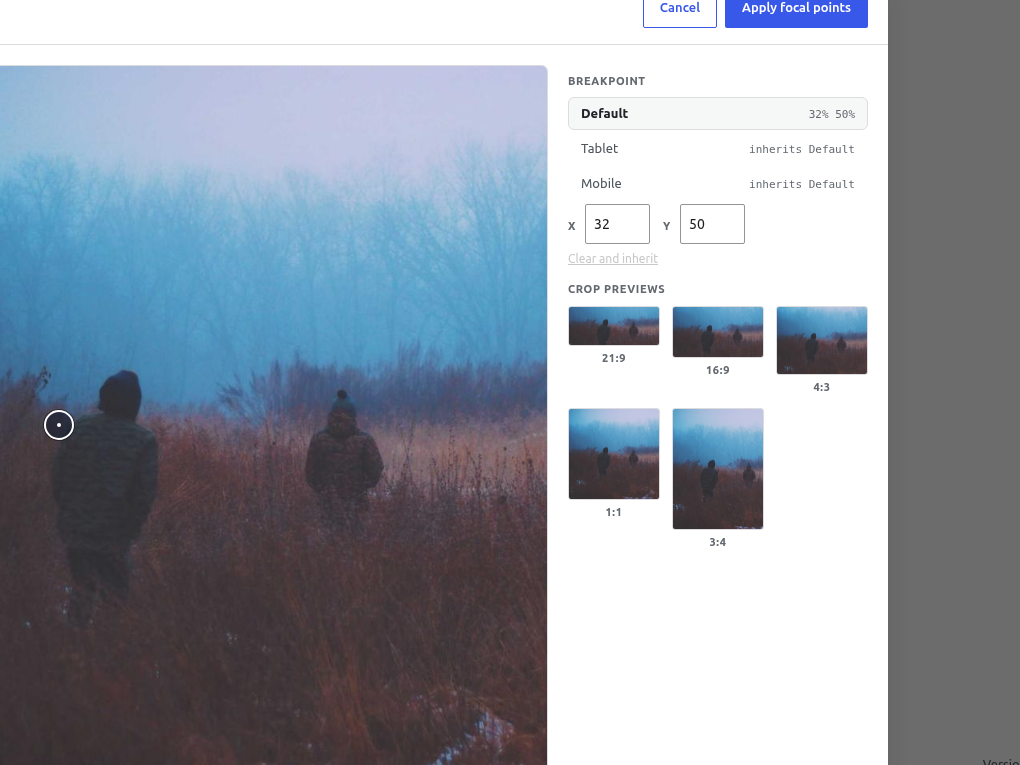
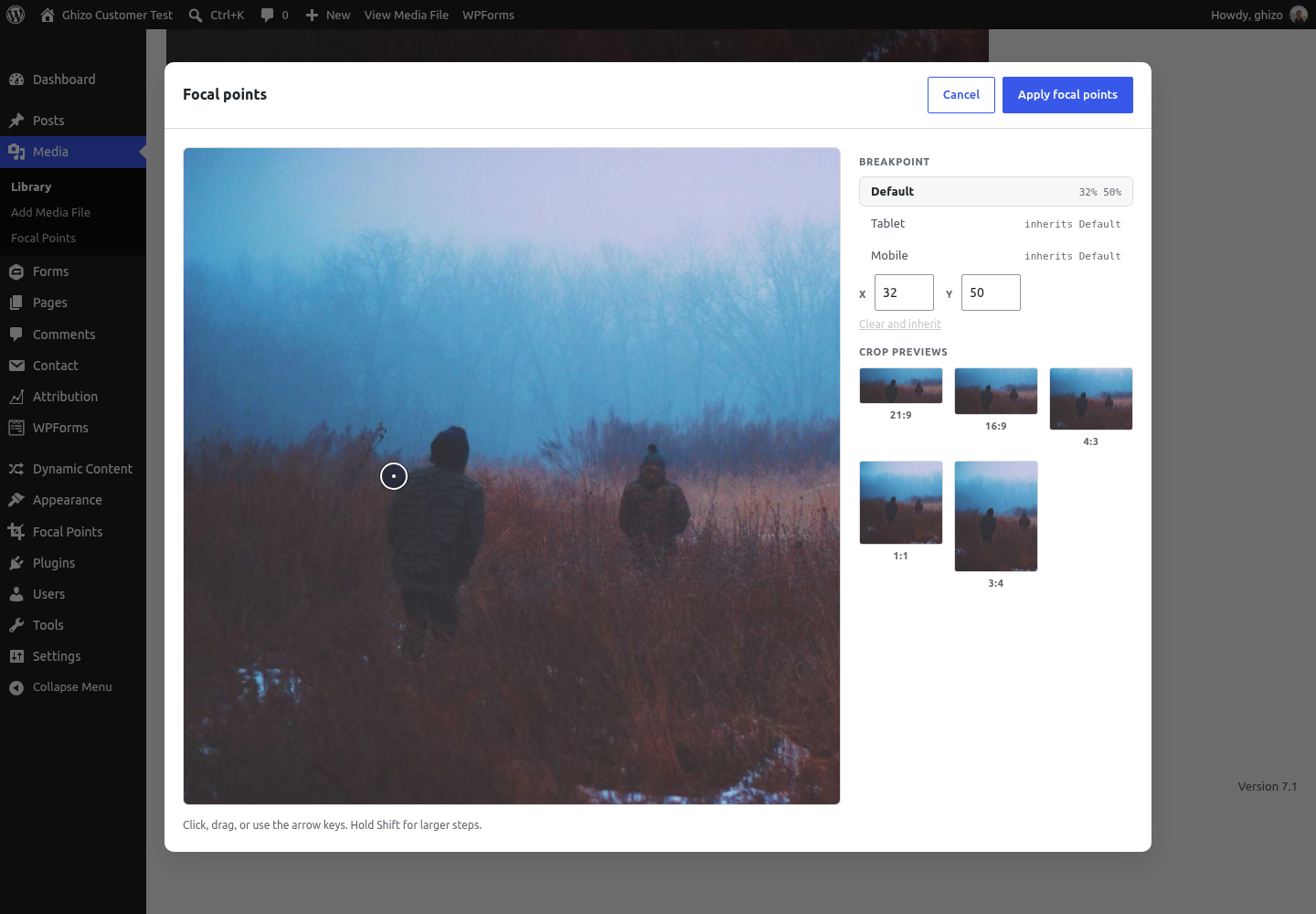
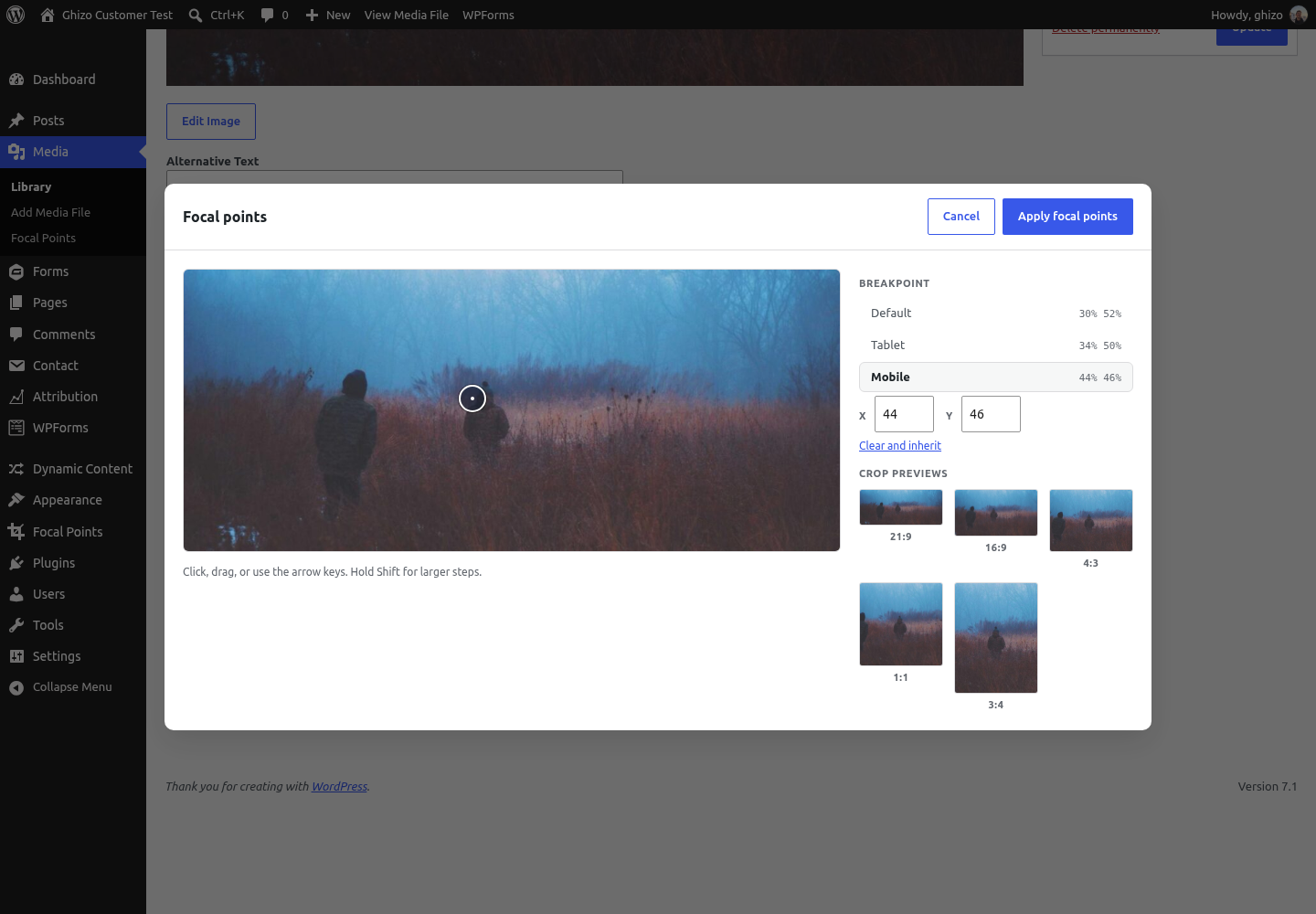
An editor clicks the point that matters, once, in the Media Library, and sees live previews of how it will crop at five aspect ratios. The value is written as object-position and resolved in the CSS cascade, so there is no JavaScript, nothing shifts after load, and it costs nothing on a page that has no focal points set. Where one point is not enough, a breakpoint can carry its own.
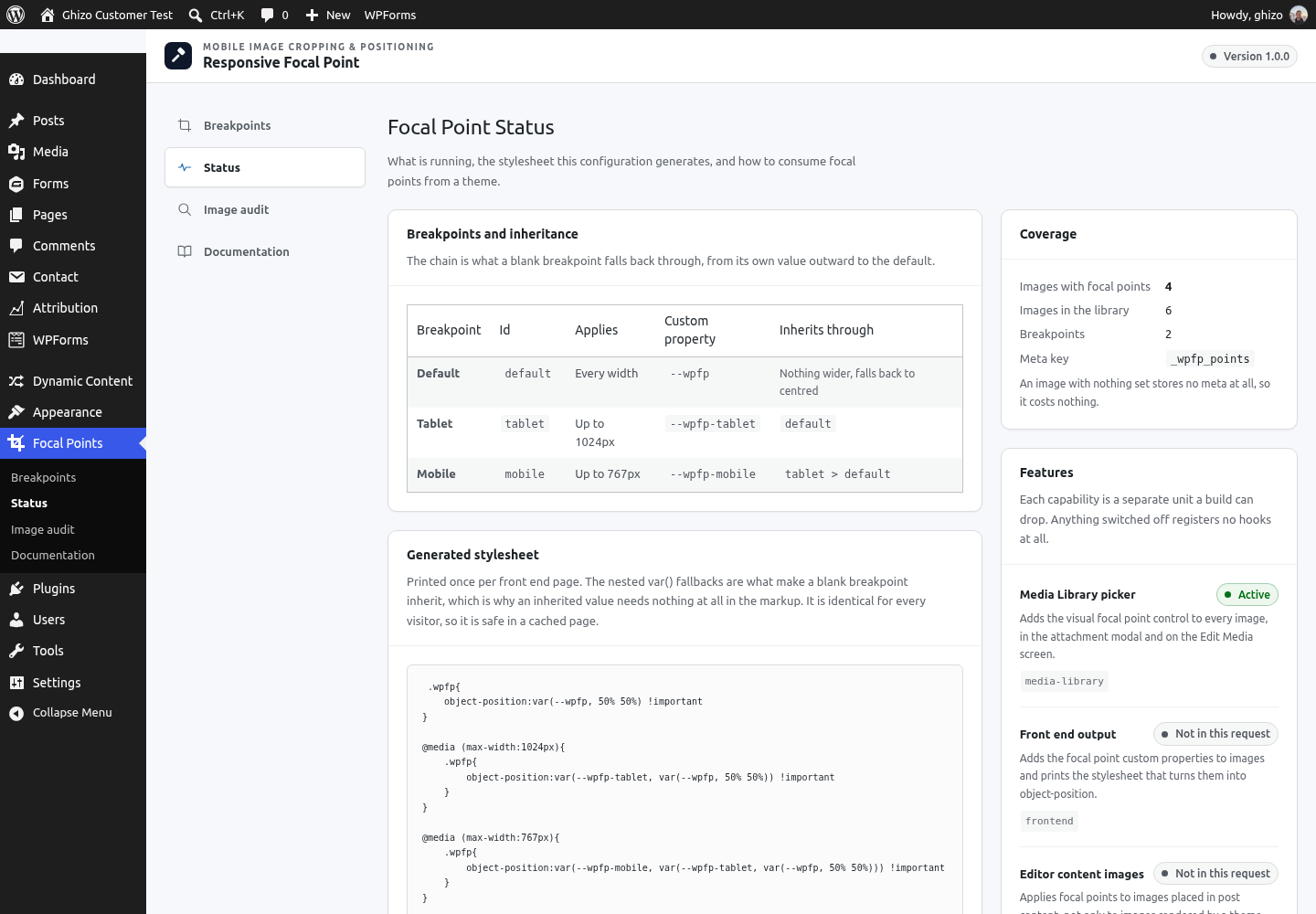
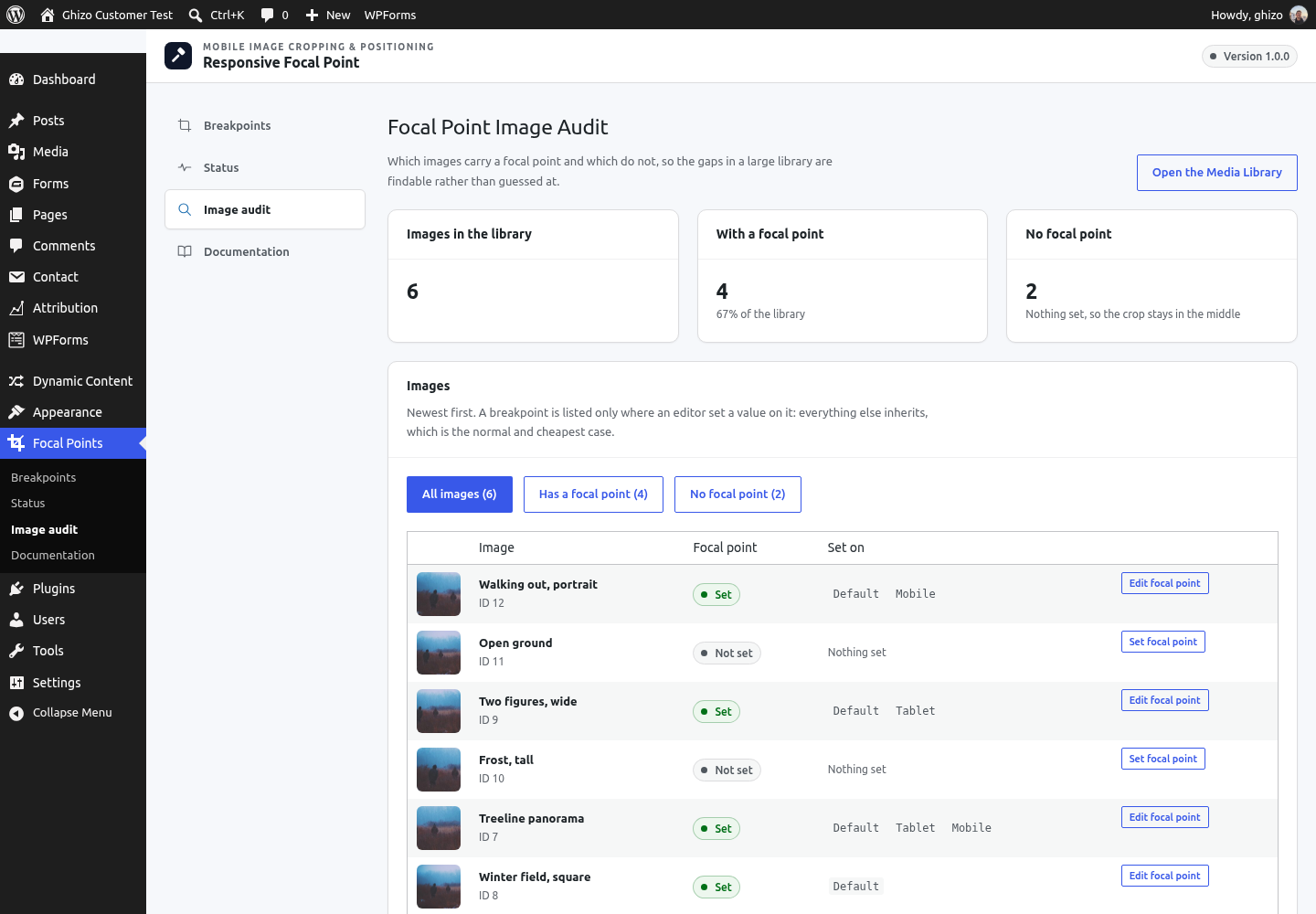
Every screen, as it actually looks
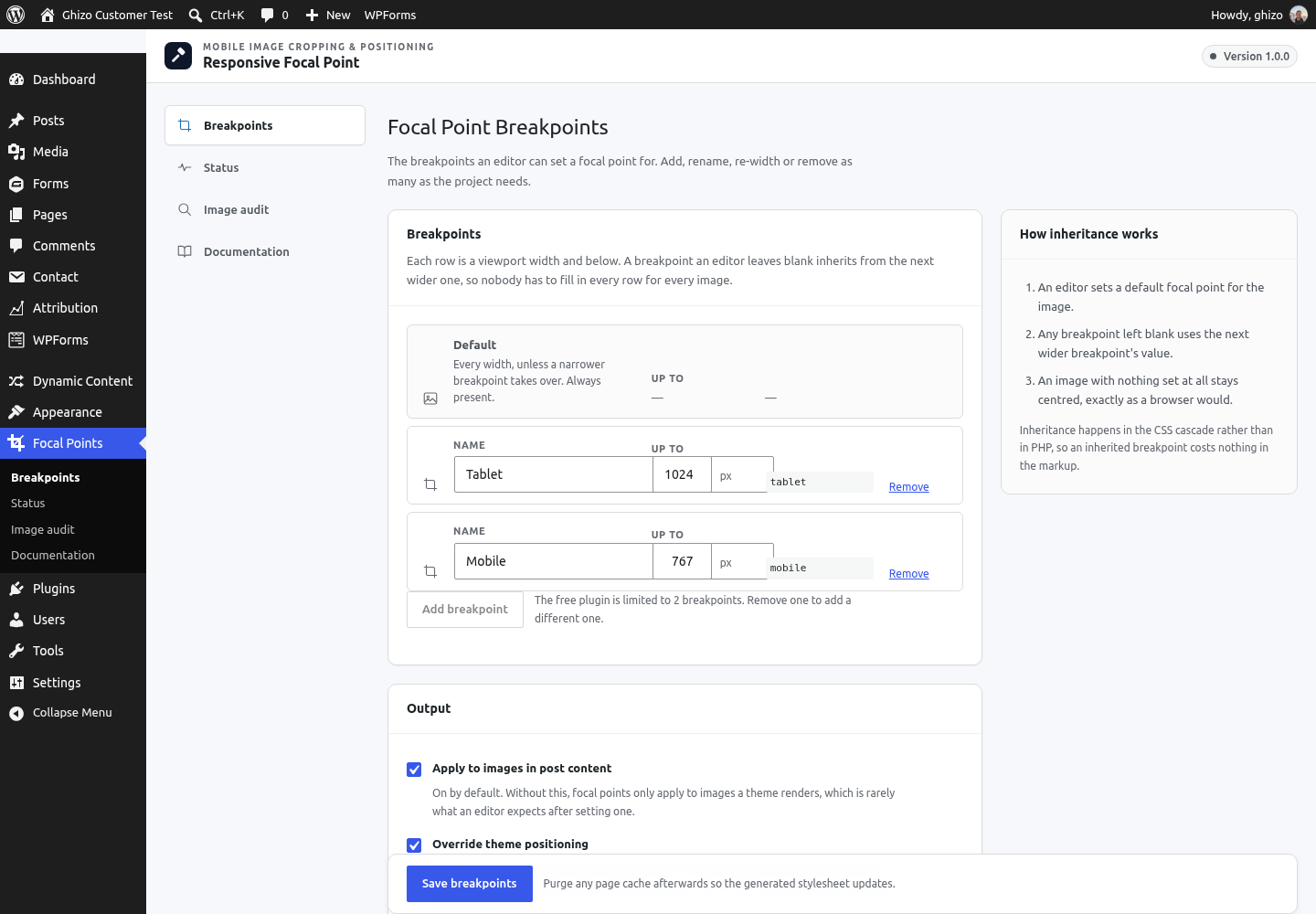
Screenshots from a running install, not mockups. These are the same images on the WordPress.org listing.
Free against Pro
Free
- One focal point per image, honoured at every size
- Two custom breakpoints on top of the default
- Live crop previews while choosing the point
- Resolved in the CSS cascade, with no JavaScript
- Applies to post content images, featured images and the Cover block
- Helpers that take an ACF image field name
Pro, $3 a month
Billed once a year at $36 for one production site. There is no monthly plan; the figure above is the year divided by twelve.
- Up to 20 custom breakpoints
- A library wide audit of what has no focal point yet
The other two plugins
Each one solves a different problem, and none of them needs the others.
Attribution Tracker
Records where every visitor came from and attaches it to the form they submit, so a lead in your inbox arrives with its campaign on it.
Dynamic Content
Shows a different phone number, WhatsApp number or call to action depending on how the visitor arrived, so you can tell which campaign generated the call.
Try the free version first
It is finished, and on its way to WordPress.org. If it does what you need, stop there. If you want more, the licence is $3 a month.